How to Clear the Cache on All Major Browsers
What Does “Clear the Cache” Mean?
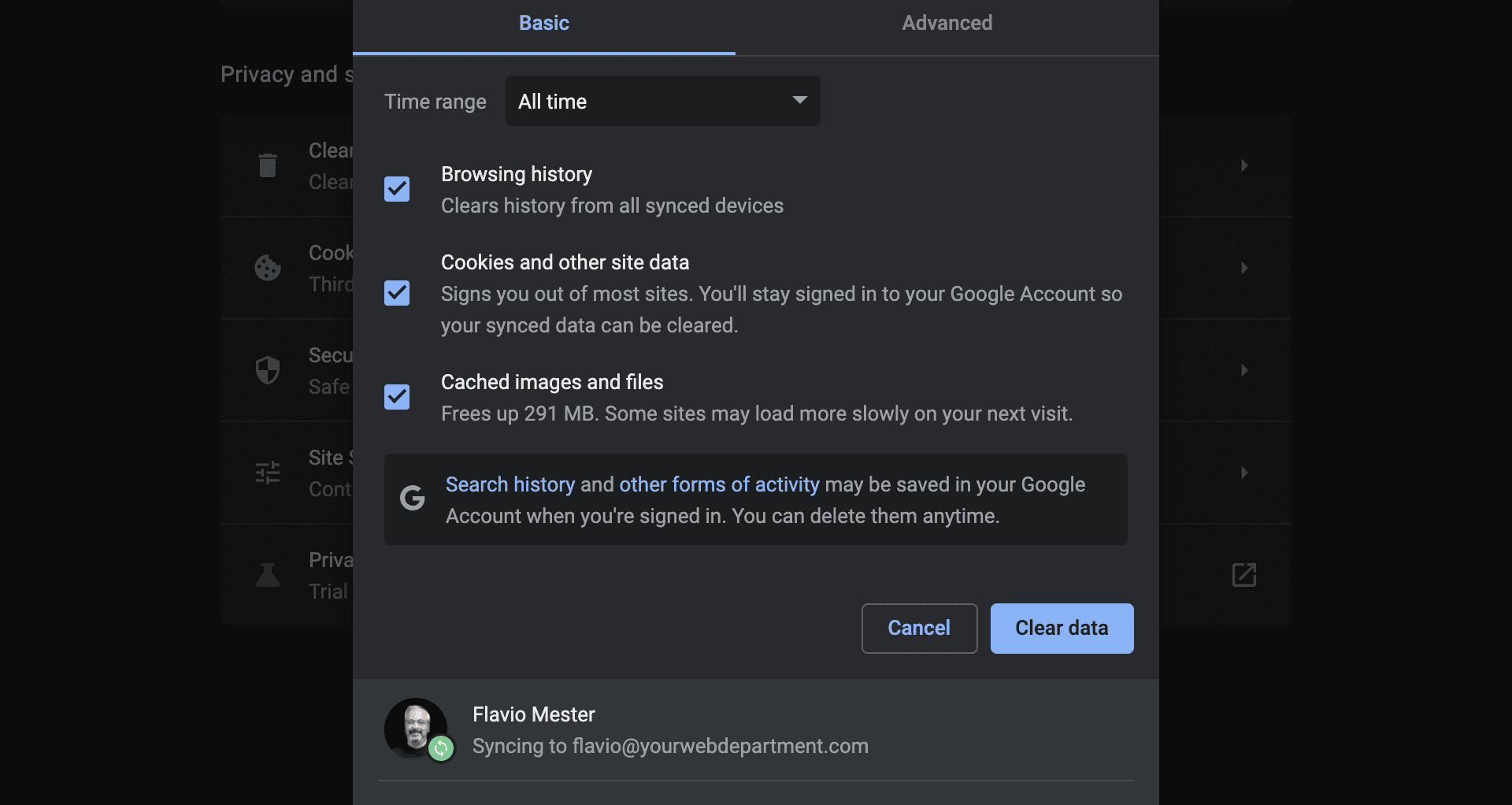
Your browser has a folder in which it stores certain items from websites as you visit them. This way, when you go back those items don't need to be loaded from the website again. This makes web browsing much faster.
Photos, text styles and even entire pages are saved or cached. Some browsers refer to that as “Cache”, while others as “Browsing Data” or “Temporary Internet Files”.
Clearing your browser cache just means emptying that folder from those files, so the next time you display a webpage, everything will be downloaded anew. It is one of the first diagnostic steps we use, and we may ask a client to do that. Luckily, it is a simple thing to do.
TIP: Keyboard shortcut
If you are using Chrome, Edge, or Firefox you can quickly clear cache by pressing
Ctrl + Shift + Delete simultaneously. A window will open and contain the appropriate options.